

Some customization options are available only on paid plans. Visit clickterm.com/pricing for plan details.
Clickwrap content
The clickwrap content is displayed as a full-screen modal dialog when usingClicktermDialog.show(). Starting from SDK version 2.1 and above, the dialog can be fully customized directly from the ClickTerm Dashboard — no additional SDK configuration required.
All customization settings are managed at the template level, not per version. Changes apply to all versions of the template.
Customization screen
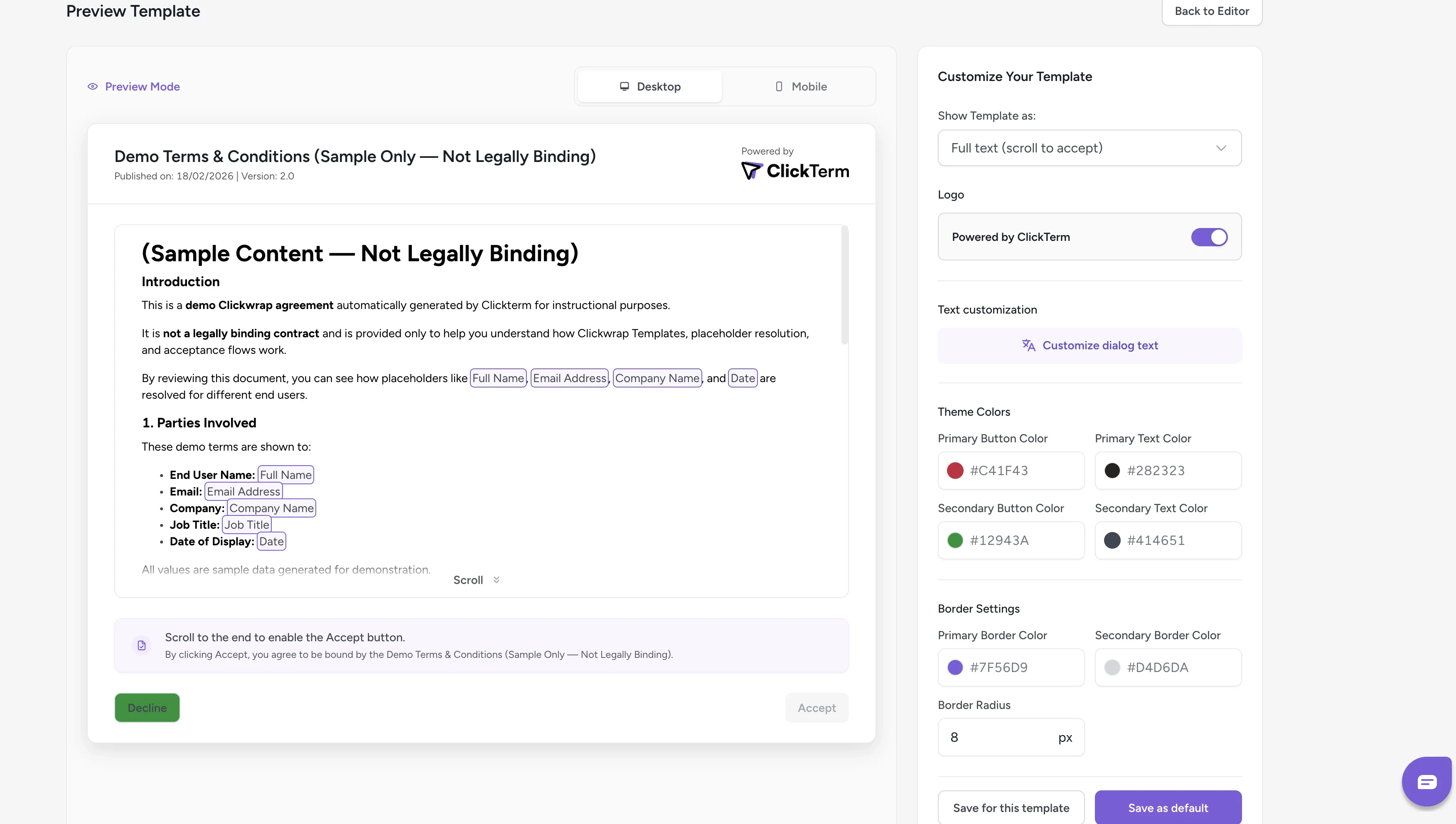
Widget customization screen for clickwrap dialog
- Left panel — Displays a real-time preview of the clickwrap dialog
- Right panel — Contains all available customization options
Saving your configuration
You have two saving options:- Save for this template — Applies the configuration only to the current template
- Save as default — Sets the configuration as the default for all templates that do not already have their own custom configuration
Changes will be reflected in the SDK after saving. It may take a few minutes
for the new configuration to propagate.
Inline content
Starting from SDK v2.2.0, templates can include Inline Content — a consent checkbox with a short agreement line embedded directly in your page. This is used when callingClicktermDom.renderInline() instead of showing a modal dialog.
The inline content is configured in the template editor. You can preview how it will appear to end users from the Preview Inline Text screen:
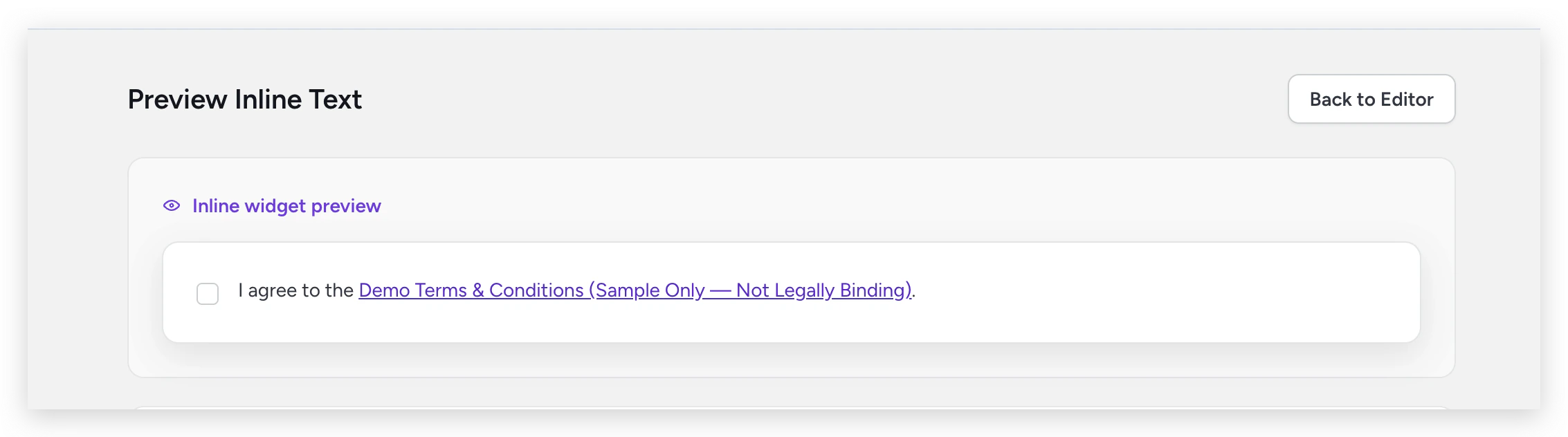
Inline widget preview showing the consent checkbox as it appears to end users
Inline styling
Unlike clickwrap dialog customization (which is dashboard-driven), inline appearance is controlled via code using thestyle option when calling ClicktermDom.renderInline():
For the full styling API and code examples, see the ClicktermDom styling reference.
Related
Developer guide: Widget customization
How to customize the clickwrap dialog from your integration code.
Displaying an inline clickwrap
Full guide on rendering inline consent checkboxes.
Editing content
Edit your template content and manage versions.