> ## Documentation Index
> Fetch the complete documentation index at: https://docs.clickterm.com/llms.txt
> Use this file to discover all available pages before exploring further.
# Introduction
> ClickTerm helps you collect legally-binding consent from end users through clickwrap agreements — embedded directly in your app.
ClickTerm lets you display clickwrap agreements (Terms & Conditions, Privacy Policies, or any legal document) as customizable modal dialogs or inline consent checkboxes in your web and mobile apps — then verify consent and generate Certificates of Acceptance on your backend.
## Get started in 5 minutes
Pick the SDK for your frontend platform:
JavaScript for web apps
Native Android (Gradle)
Expo or bare React Native
Embed consent checkboxes in your page
The SDKs handle the frontend side — displaying clickwrap dialogs or inline checkboxes and capturing user consent. On the backend, your server uses the **REST API** to verify Signatures, check consent status, and download certificates.
Server-side verification, consent status, and certificate downloads
## How it works
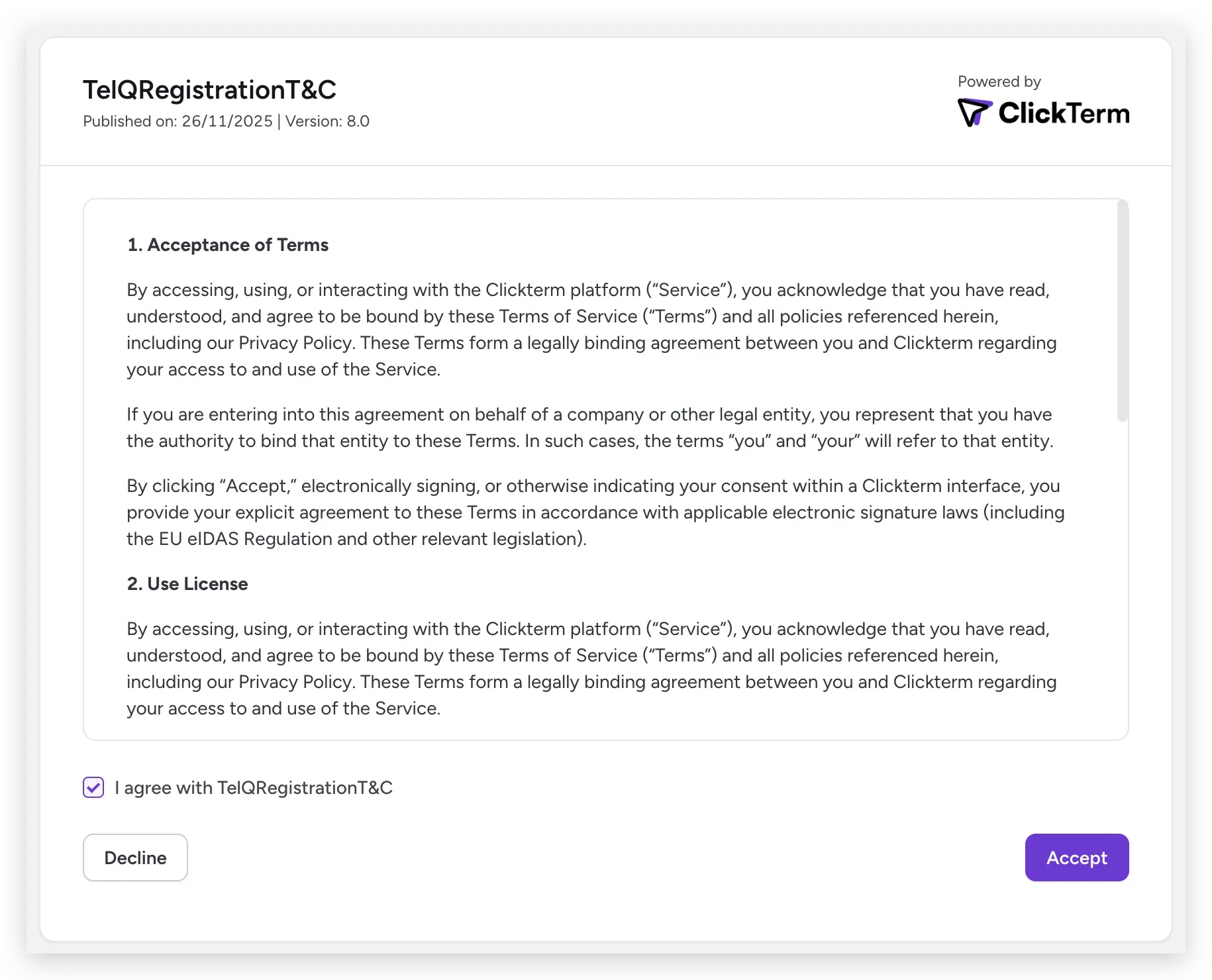 The integration flow is similar to a Captcha provider: include the SDK on your frontend, present the clickwrap dialog, and verify consent on your backend. See the [Integration flow](/dev/guides/integration-flow) guide for the full step-by-step with sequence diagrams.
## What you can build
* **Gated registration** — Require acceptance before creating an account
* **Compliance dashboards** — Query consent status across your user base
* **Audit workflows** — Download certificates and agreements for legal teams
* **Re-acceptance flows** — Automatically prompt users when terms are updated
## Explore the docs
Understand the complete architecture with sequence diagrams.
Pass dynamic data (name, email, company) into agreements.
Embed consent checkboxes directly in your forms.
Dashboard guides for templates, consent, and administration.
The integration flow is similar to a Captcha provider: include the SDK on your frontend, present the clickwrap dialog, and verify consent on your backend. See the [Integration flow](/dev/guides/integration-flow) guide for the full step-by-step with sequence diagrams.
## What you can build
* **Gated registration** — Require acceptance before creating an account
* **Compliance dashboards** — Query consent status across your user base
* **Audit workflows** — Download certificates and agreements for legal teams
* **Re-acceptance flows** — Automatically prompt users when terms are updated
## Explore the docs
Understand the complete architecture with sequence diagrams.
Pass dynamic data (name, email, company) into agreements.
Embed consent checkboxes directly in your forms.
Dashboard guides for templates, consent, and administration.